Automate recurring schedule patterns without losing control.
Automated Rules turn repeatable staffing decisions into fast, consistent actions directly in the schedule grid your team already uses.
Build faster while keeping every rule transparent
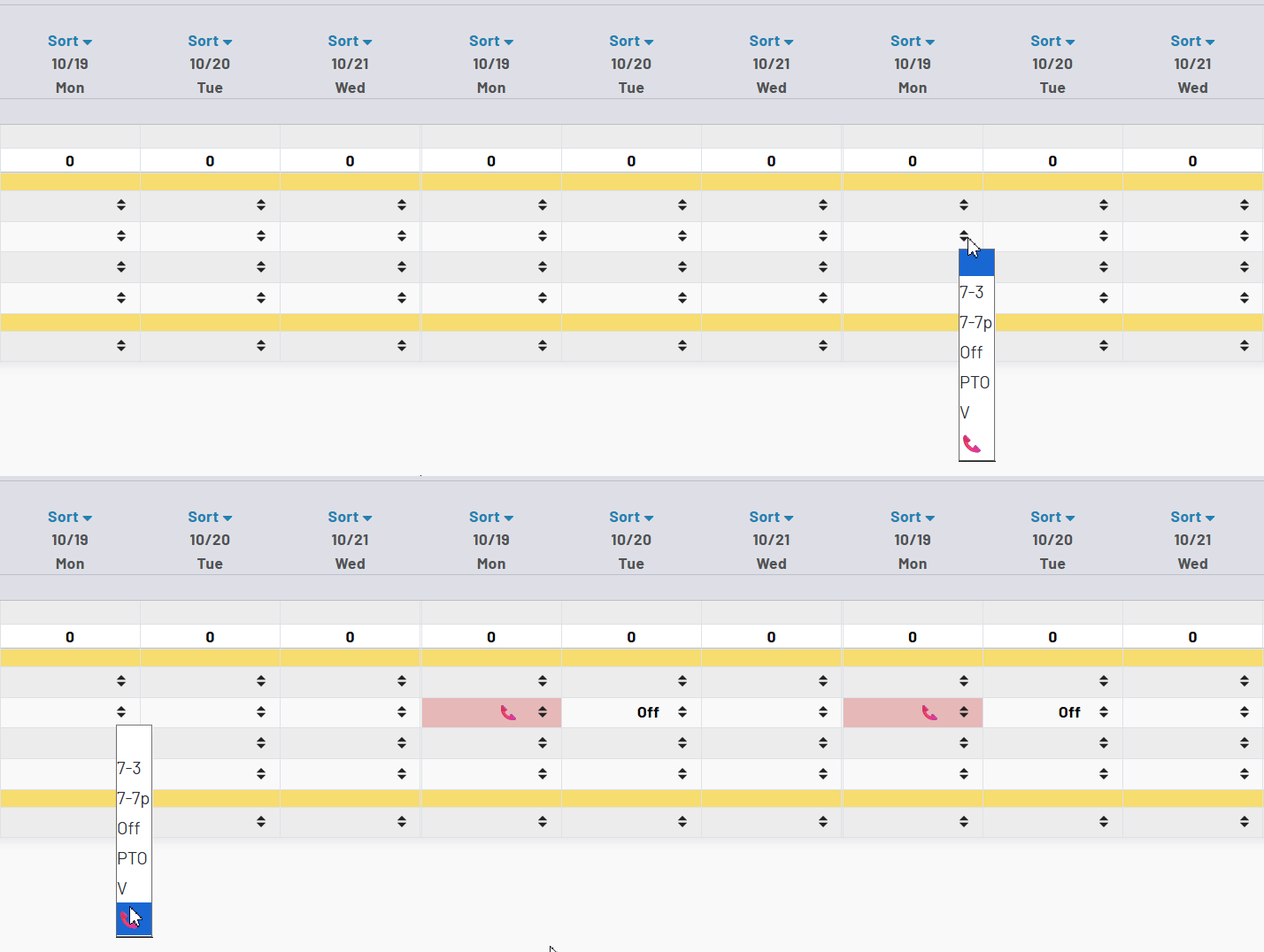
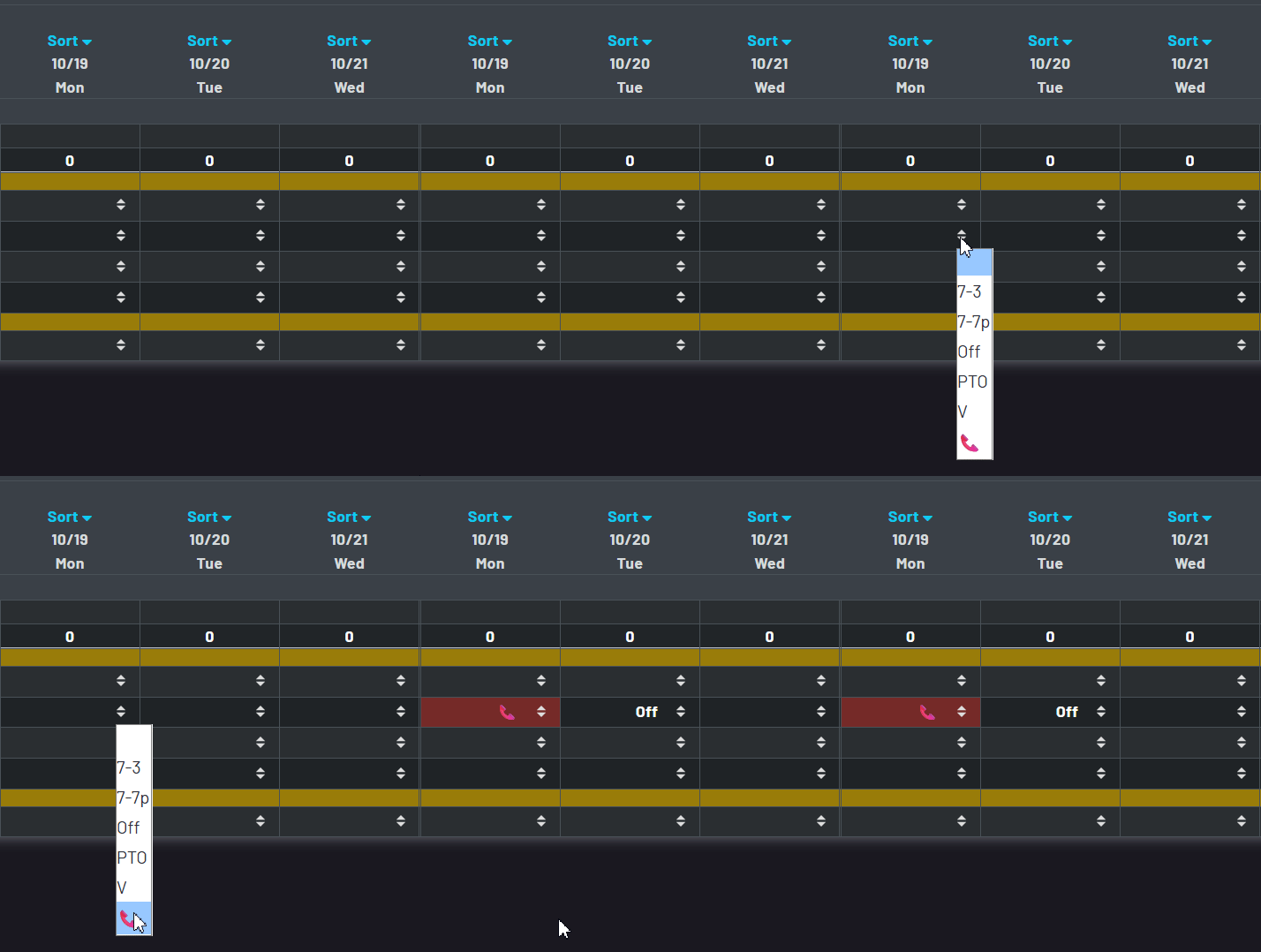
- Automated Rules recognize a selected entry and apply the next logical assignment pattern, reducing repetitive edits without taking control away from the scheduler.
- Rules can match and set the same schedule elements your team already uses every day: numbers, codes, options, days of week, and date ranges.
- Automation runs directly in the schedule workspace, so the initial change and the linked result are visible in the same view.
- When a target cell already contains an entry, the system highlights it for review while prioritizing manual entries.
- Ex: Tying a CALL code to an OFF code set for the following day. Automated rules can also be configured to skip days, such as having a friday code modify a date on monday.
Configure trigger conditions and outcomes that match your workflow
Choose what starts the rule
Define a day-of-week trigger and match by number, code, or option so automation starts only when the schedule entry meets your criteria.
Choose what the rule sets
Set a number, code, or option on target days to carry known staffing patterns forward with fewer manual clicks.
Choose when it applies
Limit rules by selected weekdays and optional effective dates, then activate or deactivate them as desired.
See automated outcomes in schedule context
The best automation is visible automation—teams should see exactly what changed, where it changed, and why it changed.
Matched triggers
Schedulers can see when an entry meets rule criteria and starts an automated sequence.
Applied updates
Rule-driven updates appear directly in the grid, keeping resulting assignments visible in the normal scheduling workflow.
Protected entries
Existing assignments are preserved and highlighted for attention instead of being overwritten by automation.
Intentional adjustments
Schedulers can keep rule behavior predictable while still making targeted manual changes when local context requires it.
Extend multi-day patterns with predictable logic
- Use Skip Days to push actions forward, skip weekends, or use negative values to populate a previous day when the pattern requires a backward step.
- An automated result can satisfy another rule’s match condition, letting a focused rule set carry a pattern across multiple days.
- Date-range controls and active states help teams enable automation only for the periods where it is operationally appropriate.
- Schedulers remain in control of final outcomes, with automation handling repetitive setup while people handle judgment calls.
Rules remain understandable, editable, and connected to the schedule
Rule lists that expose the logic
Review each automated rule’s trigger, action, days, effective dates, and active state in one operational list instead of relying on opaque automation.
Controlled change management
Activate or deactivate rules without deleting configuration, and apply date-range changes across selected automated rules in one pass.
Built for your own schedule language
Rules use your configured codes, options, and numbers. That makes the automation reflect local coverage practices instead of requiring a fixed vendor-defined staffing model.
Reporting and API access
Review rule usage patterns and output trends over selected dates, with API access available for teams integrating automation into broader workflows.