Make every hour of time off easy to understand
Set a clear starting balance, let scheduled PTO activity update it, and carry the right balance into the next period.
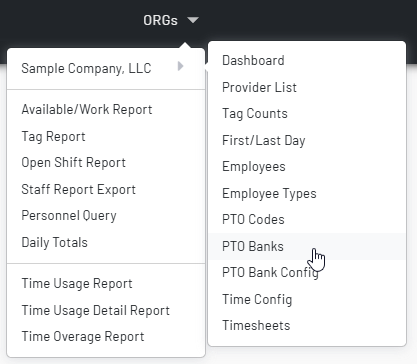
Keep each employee’s PTO balance connected to the work that uses it
- Give managers and staff one practical answer to the question: “How much time is available?”
- Each employee begins a PTO bank period with an editable starting balance, so carry-ins, initial allocations, and corrections have a clear home.
- Scheduled entries that use configured PTO codes are reflected as period usage, leaving the current balance visible in both hours and days.
- Open an employee’s detailed PTO log to see the starting balance and the dated entries that led to the current total.
Define when a bank is in effect—and retain the history behind it
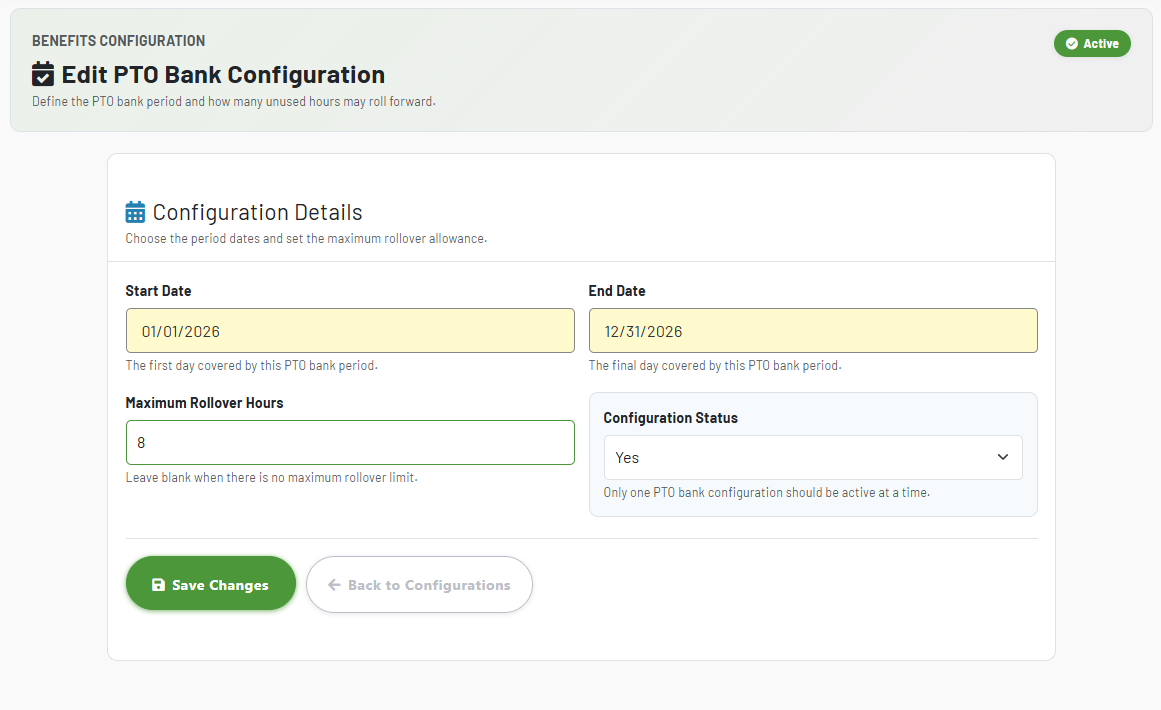
- Configure the start and end dates for every PTO bank period, then designate the period that is currently active.
- Managers can switch the bank view to a prior period instead of losing its balances, usage, or employee detail when a new period begins.
- Past periods remain referenceable, while starting banks are editable only for the active period—protecting completed-period history.
See what was allotted, used, and remaining—without reconstructing the math
The bank turns PTO from a disconnected schedule code into a running, reviewable balance.
Starting bank
Set the number of hours available at the beginning of the selected period for each employee. Organization owners can add or revise active-period starting banks as policy or carry-in details require.
Usage this period
Usage is the difference between the opening bank and the live balance, so a manager can distinguish time originally granted from time already consumed.
Hours and days
Balances are presented in hours and in an eight-hour-day equivalent. Negative balances are clearly differentiated, making exceptions easy to spot during review.
Understand every movement in the balance
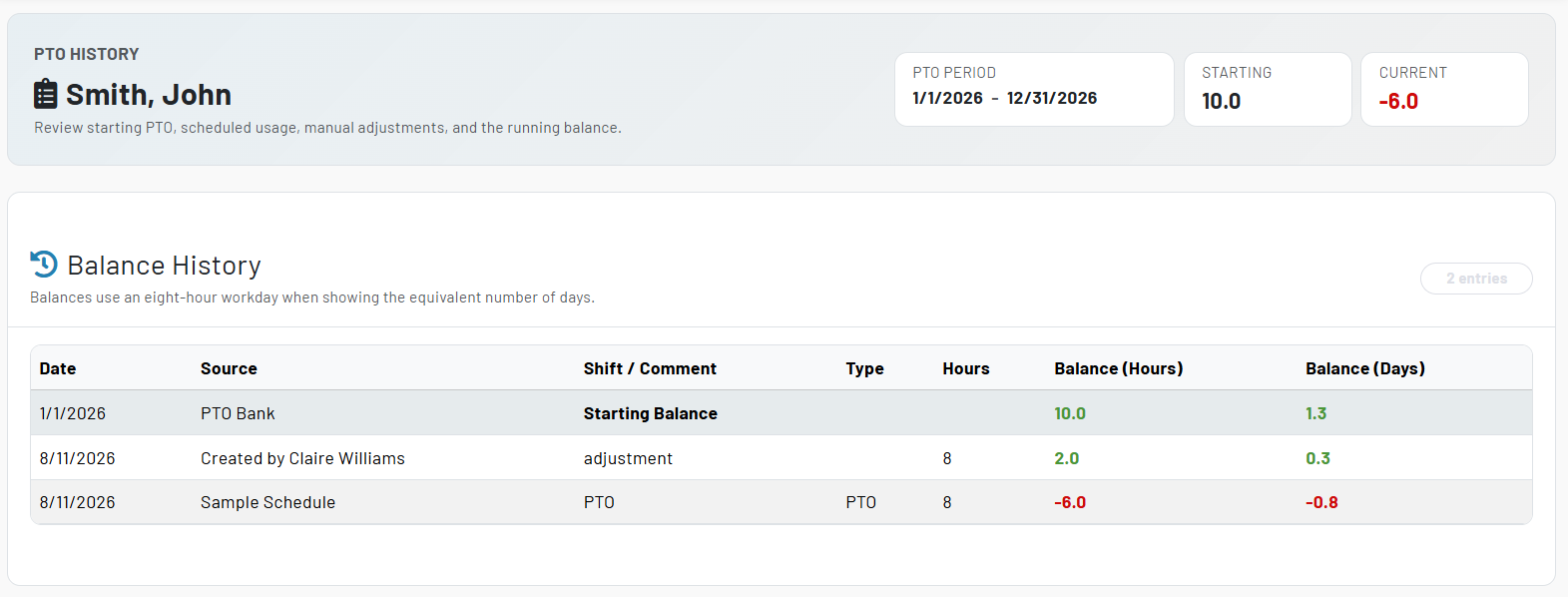
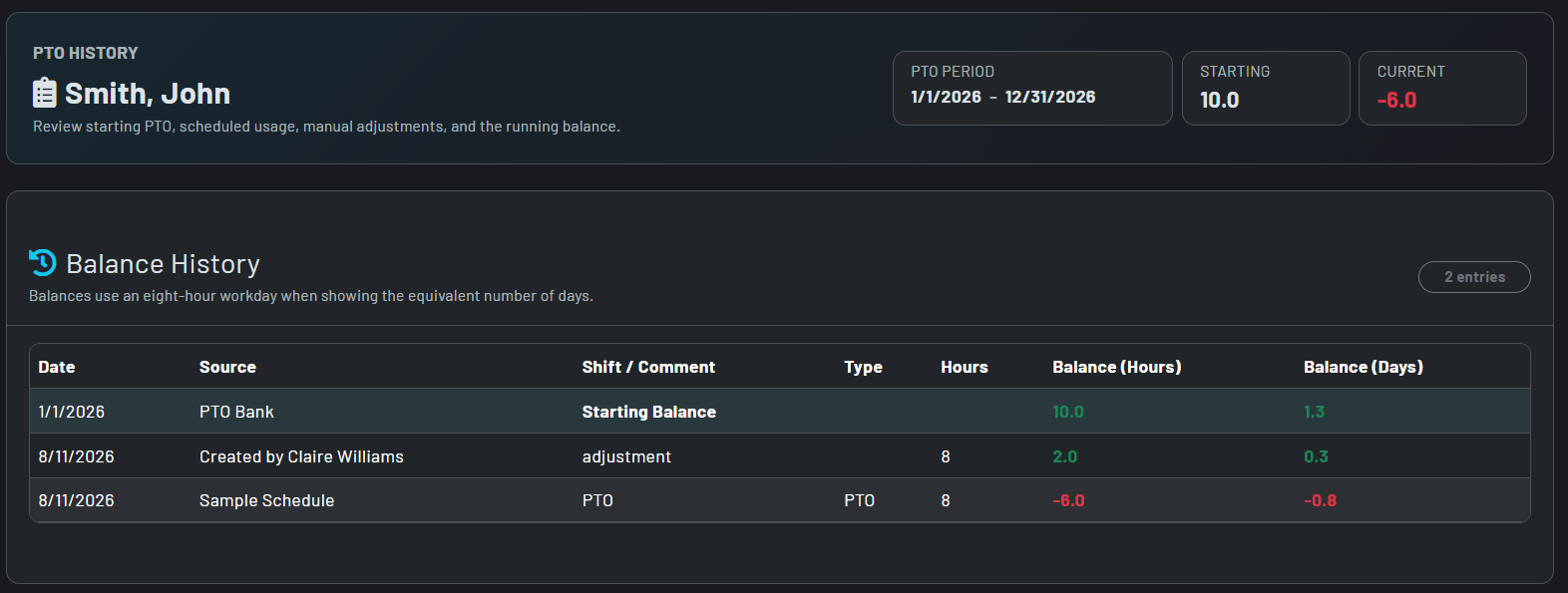
- The employee log begins with the bank’s opening balance, then lists each PTO entry in date order with its code, hours, schedule source, and resulting balance.
- Schedule-driven PTO retains its associated schedule and shift context, helping reviewers connect a balance change to the work calendar.
- Authorized managers can add an adjustment when a balance needs a documented correction. Positive adjustment hours reduce the bank; negative hours restore time.
- Adjustment rows retain their comment and show who created or last modified them, while schedule-driven rows remain tied to the scheduled activity.
Rollover turns an ending balance into the next period’s starting point
Review before processing
The rollover review shows each employee’s current ending balance, the planned opening balance, and the upcoming bank period before any records are changed.
Apply a carryover ceiling
Set a maximum rollover in hours when the policy requires it. Balances above the limit are capped for the new bank; leave the limit blank when no cap applies.
Add annual accrual
The new opening balance combines the permitted carryover with the employee’s annual PTO amount, keeping an organization’s accrual plan part of the same controlled process.
Activate the new period deliberately
Processing is available after the current period ends. It creates the next bank for each employee, activates the new configuration, and retires the prior one from active use. Set up the new Bank period ahead of time and activate at your own discretion.


Make balances visible without giving everyone the same controls
Organization management
Organization owners can configure periods, set active-period starting banks, review logs, make adjustments, and carry balances forward at period end.
Staff self-service context
Staff with an associated employee record can open their own PTO log and see the same period dates, entries, and running balance that inform their available time.
Schedule-aware reporting
From the schedule perspective, authorized owners see employees associated with that schedule; private employees are not exposed through that view.
PTO codes drive the detail
The log uses configured PTO benefit codes to identify time-off activity, so the balance view stays connected to the organization’s own PTO terminology.
Historical answers, not estimates
Select a previous bank period to answer questions about a past balance or PTO entry without altering the active bank.