Request/Notice Creation and Usage
Create Requests and Notices at any time, providing your schedule the flexibility it needs.
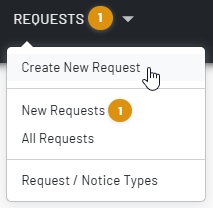
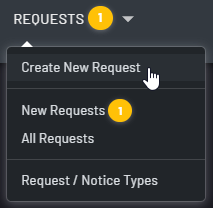
Unify your scheduling with Requests
- Requests are just a click away. Communicate your needs and your team’s needs instantly.
- Requests allow users to select specific dates to make requests which may be a single day or span across multiple days.
- Automated communications (email/SMS/push) to admins and affected staff when requests are created/updated/approved/changed.
- Strong role-based behavior (admin vs staff permissions), including private-request handling and edit/delete guardrails by status.
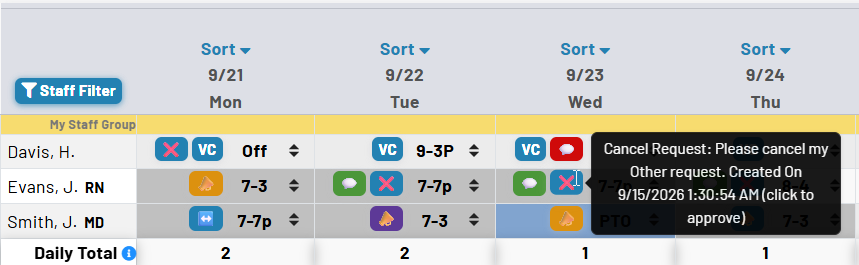
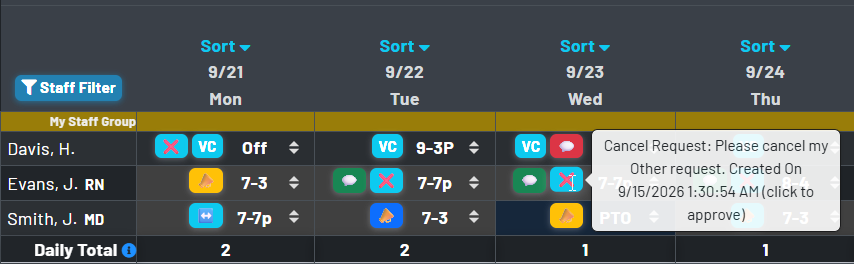
Everything visible at a glance
- Color-coded badges and legend states make approval status and request type immediately understandable on the calendar itself.
- Open, review, and act on requests directly from schedule context instead of switching to external inboxes or ticket systems.
- Provide staff and schedulers the same shared view of the request’s status, reducing avoidable follow-up and uncertainty.
A structured approval workflow
Move every request from submission to a clear outcome—without losing the context behind the decision.
Submitted
New requests enter a dedicated review queue so schedulers can quickly see what needs attention.
Acknowledged
Schedulers can acknowledge a request immediately, reducing uncertainty while final coverage decisions are in progress.
Approved or Not Approved
Final outcomes remain visible with decision history, supporting transparency and reducing repeat follow-up.
High-volume request control
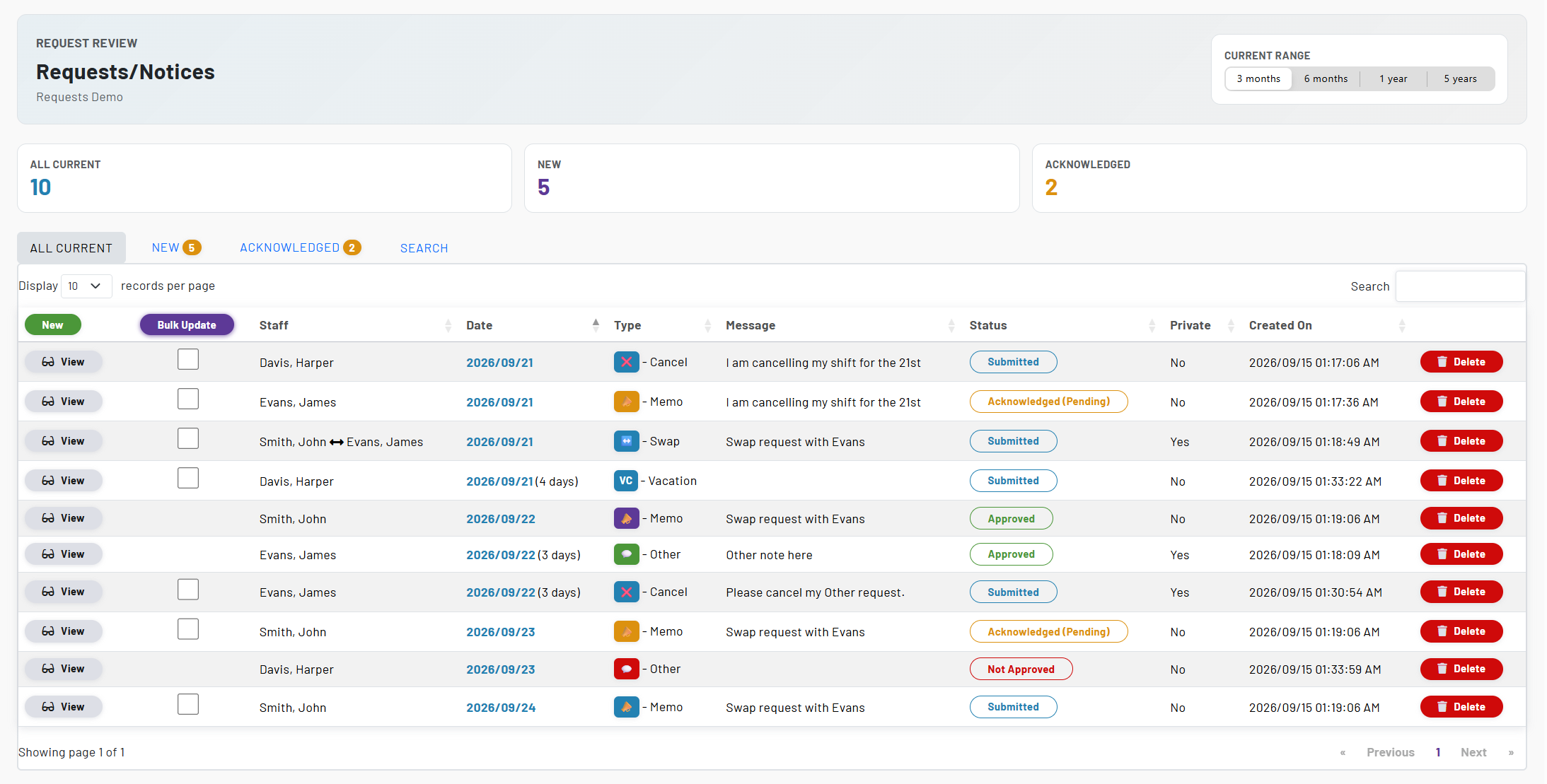
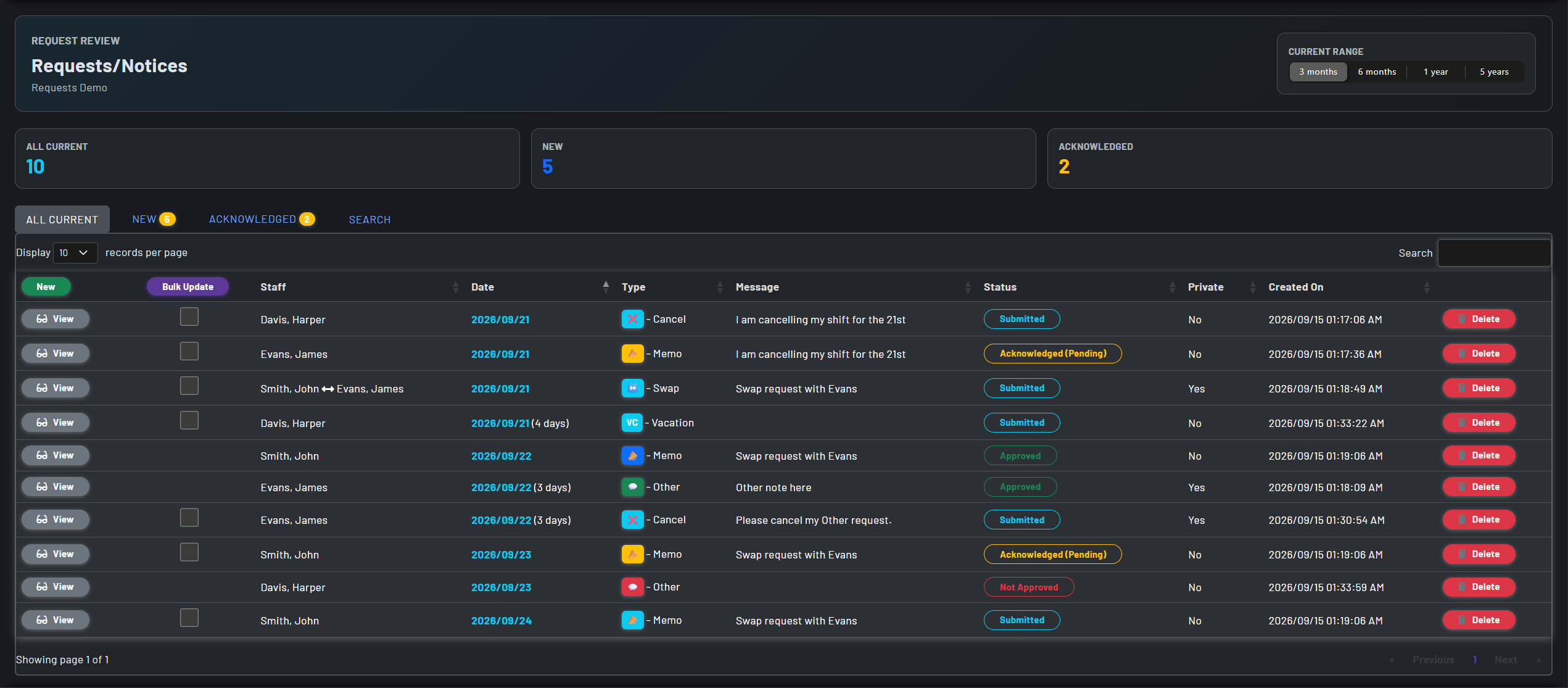
- MSS keeps the review queue organized with All Current, New, and Acknowledged views, plus date-range, staff, and status filters.
- Choose a planning horizon from months to years and return to the request range that works for you.
- Use bulk actions to update or remove eligible requests efficiently when the schedule demands a quick response.
- Sort by staff, type, message, privacy, creation date, and more to find the detail that matters.
- Process eligible requests in bulk for acknowledge, approve, decline, or delete actions when operational pace increases.
- Sort and review by staff, type, message, privacy, and timestamps to support faster and more consistent decision-making.
Split multi-day requests into manageable daily decisions
When a single decision no longer fits an entire date range, MSS can split a multi-day request into individual daily requestsso teams can respond with precision and clarity.
Keep the original context
Turn a date range into daily entries without asking staff to recreate the request from scratch.
Respond on a day-by-day basis
Review, approve, or manage each date on its own when one decision no longer fits the whole range.
Designed for real scheduling pressure, not just request intake
Real time indexing
Live counts for current, new, and acknowledged requests help leaders see workload and prioritize review activity immediately.
Persistent review context
Saved date-range preferences and retained search state let users return to in-progress review workflows without reconfiguration.
Fast navigation to schedule impact
Request records link directly to the associated schedule date, reducing the time between review and staffing action.
Audit-ready decision history
Created and approval metadata support accountability with clear visibility into who submitted or approved a request and when.
Secure acknowledgment path
Token-verified acknowledgment links allow authorized leaders to move requests forward quickly while maintaining trust and control.
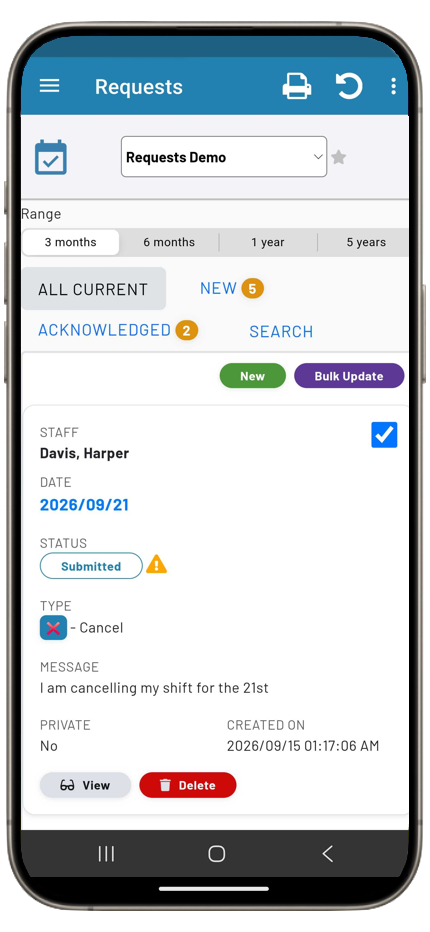
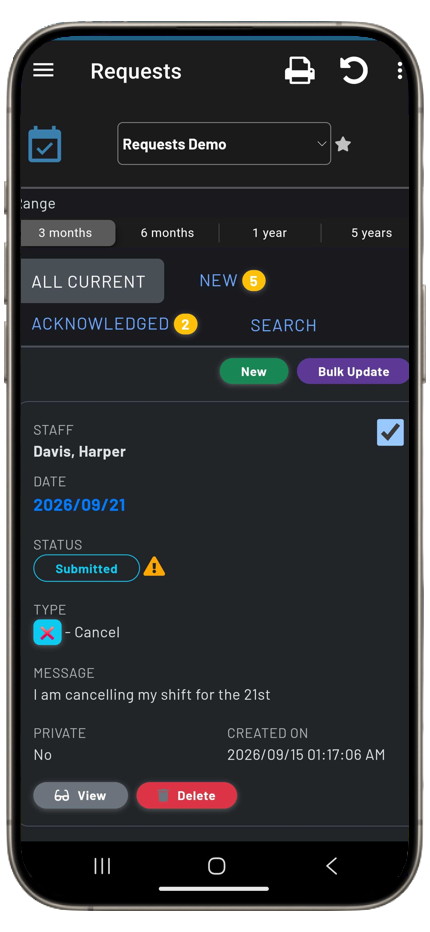
Mobile and desktop parity
Responsive request presentations ensure frontline users and administrators can review and act efficiently across device types.
Capture the details your team needs
Dates, types, and context
Request a single day or a date range, select the appropriate request type, and include a message when context matters.
Privacy and role-based controls
Handle sensitive requests appropriately while giving staff and administrators the permissions they need for their task.
Swap-aware requests
Include a proposed swap staff member where applicable, so schedulers can account for the relevant staff in one request.
Proactive communication
Notify administrators and affected staff through their configured email, SMS, and push channels as requests move through the workflow.