Make vacation selection fair, visible, and ready for the real schedule.
Run a structured, multi-round selection process that honors staff order, manages coverage limits and special dates, and turns reviewed choices into schedule data when you are ready.
Give every picker a clear turn and every scheduler a clear plan.
Vacation Selection is built for the annual or seasonal process where staff choose time away in an agreed order—not simply submit requests into a queue.
Defined selection window
Set the date range staff can choose from, the length and start day of each selection block, and the schedule number, text, or code that will represent the final vacation.
Set selection order
Use staff ordering for one-at-a-time picks or groups for shared turns, then repeat the process across as many rounds as your policy requires.
Account for complications
Selections are checked against the maximum staff-out limit, special block dates, prior picks, and consecutive-week rules as the process unfolds.
From configuration to a publish-ready vacation board


Configure the rules
Choose the selection range, block pattern, capacity limit, rounds, and whether consecutive weeks or alternates are available.
Set the order or groups
Establish the pick sequence staff expect, or group eligible people so a cohort can select before the process advances.
Guide each round
The next eligible picker or group is notified, can select or pass, and the board records the active round and current staff selecting.
Review, then publish
Once selections are complete, schedule owners review the board and deliberately copy the approved choices into the schedule.
Protect coverage without hiding the choices people made.
Maximum staff-out controls
Set how many people may be away at once. When the limit is reached, the process can stop a conflicting choice or retain it as a clearly marked alternate for the scheduler to consider.
Special block date review
A pick that intersects a special block date can pause the process for selection-admin or schedule-owner approval, keeping an exception visible and clearly communicated.
Consecutive-week policy
Allow a picker to request the following week when policy permits, while excluding defined dates where consecutive-week selections are not available.
Round-specific flexibility
Run multiple rounds and, when appropriate, require special-date approval only in the first round so later choices can move at your schedule's required pace.
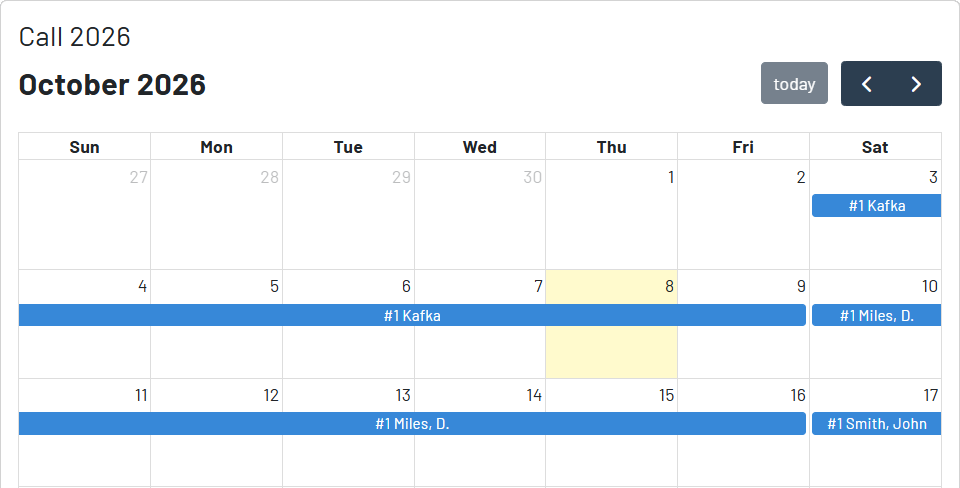
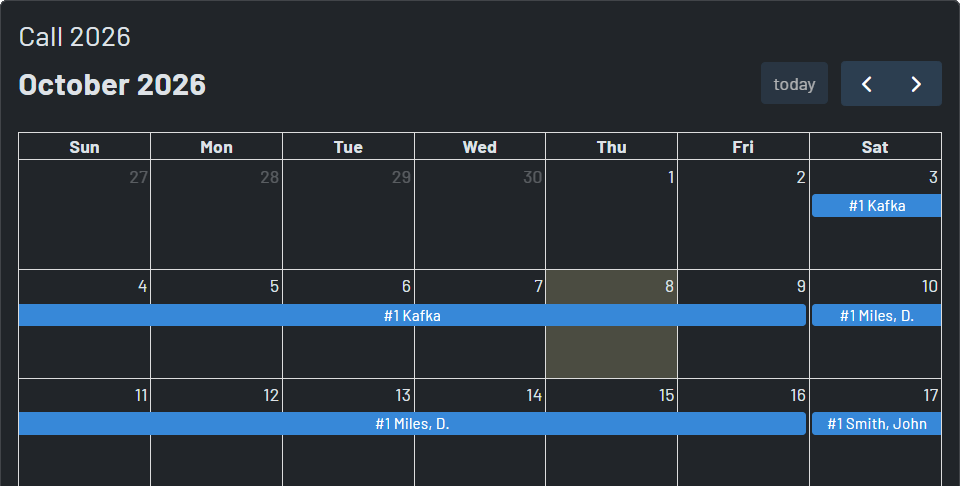
View the entire process along the way
The selection board and calendar show the selection range, current round, people currently choosing, special block dates, completed picks, and alternate status. Staff can see where the process stands; administrators can keep it on track it as necessary.
Order with timestamps and seniority
Calendar entries retain pick sequence and alternates are labeled, giving schedulers a practical record of who selected first when capacity becomes tight.
Intentional break points
Pause a process at any time—or after a round—to let administrators review choices before the next group or round begins.
Notifications for each selection
Configured email, text, and push notifications can alert staff when it is their turn and keep administrators informed as rounds pause, resume, or finish.
Work selection first. Schedule the selection when your team is ready.
A vacation choice does not have to become a live schedule change the moment it is made.
Start the automated process.
Finish the rounds, review every selection and alternate, then use Publish – Update Schedule to copy the current board selections into the configured schedule. They'll get notifications when it's their turn to pick.
Safe correction path
Administrators can pause or continue the process, manage a selection, and clear the board when a full reset is required without complicating request approvals.